
I designed this Pixso prototype for an ADB-based desktop maintenance tool for Android devices. It covers wireless pairing, device information, malware scanning, storage cleanup, logs, and settings, including intermediate and completion states.
The interface uses a dark background and a persistent sidebar. Once a device is connected, its model, battery, chipset, storage use, and connection status appear together, above the quick-scan and disconnect actions.
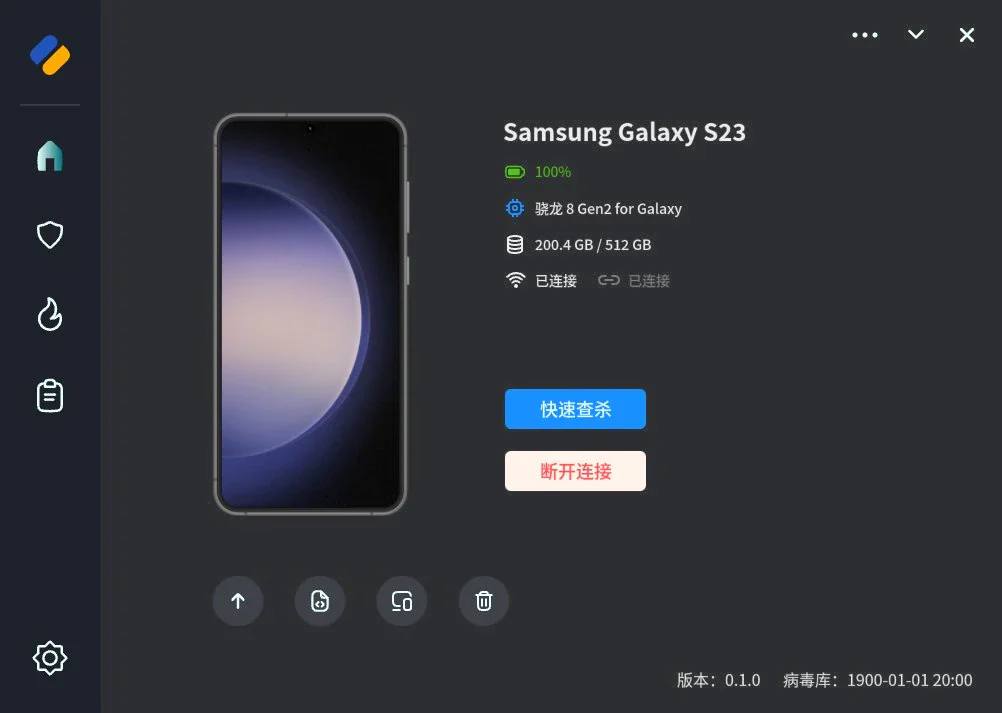
Device pairing
Wireless ADB pairing uses a QR code. I drew separate screens for entering pairing, connecting, and viewing the connected device. Model information, ports, and connection status retain consistent positions across the relevant states.
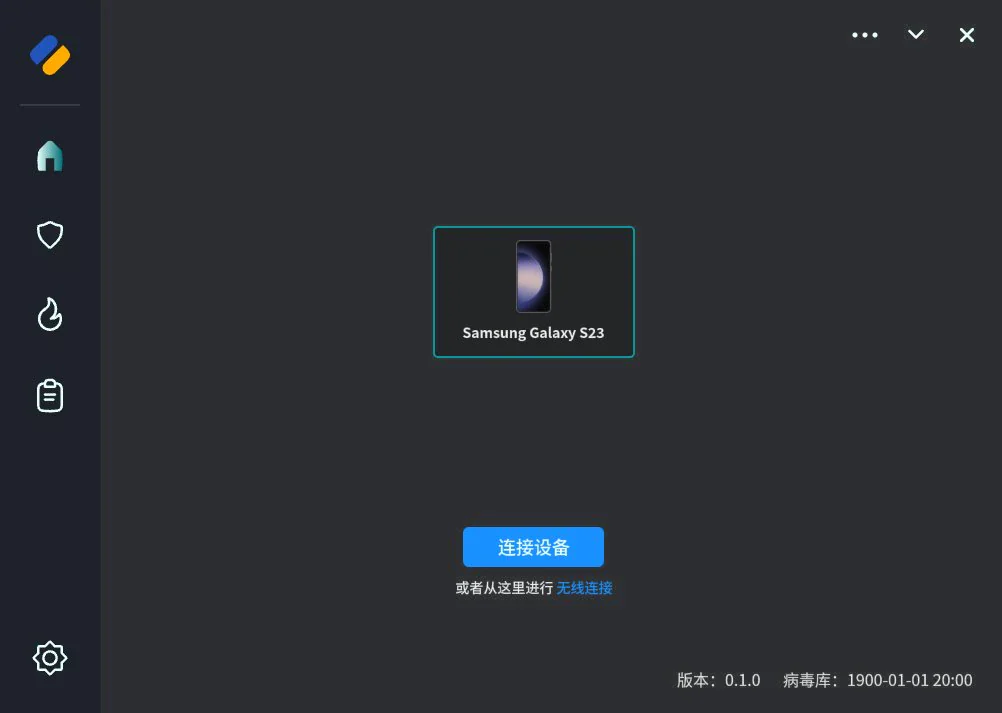 Select a device to connect
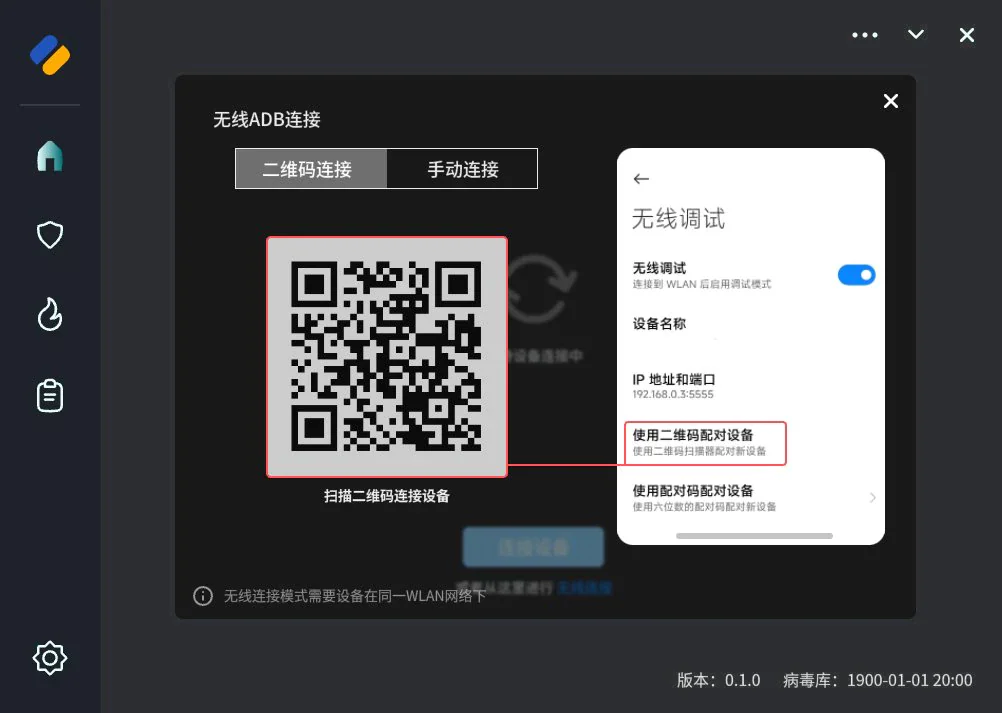 Wireless ADB QR pairing guide
Scanning and cleanup
The scan flow has screens for scanning, identifying risks, carrying out cleanup, and presenting the result. Progress, detected items, and confirmation actions each have a place in the layout.
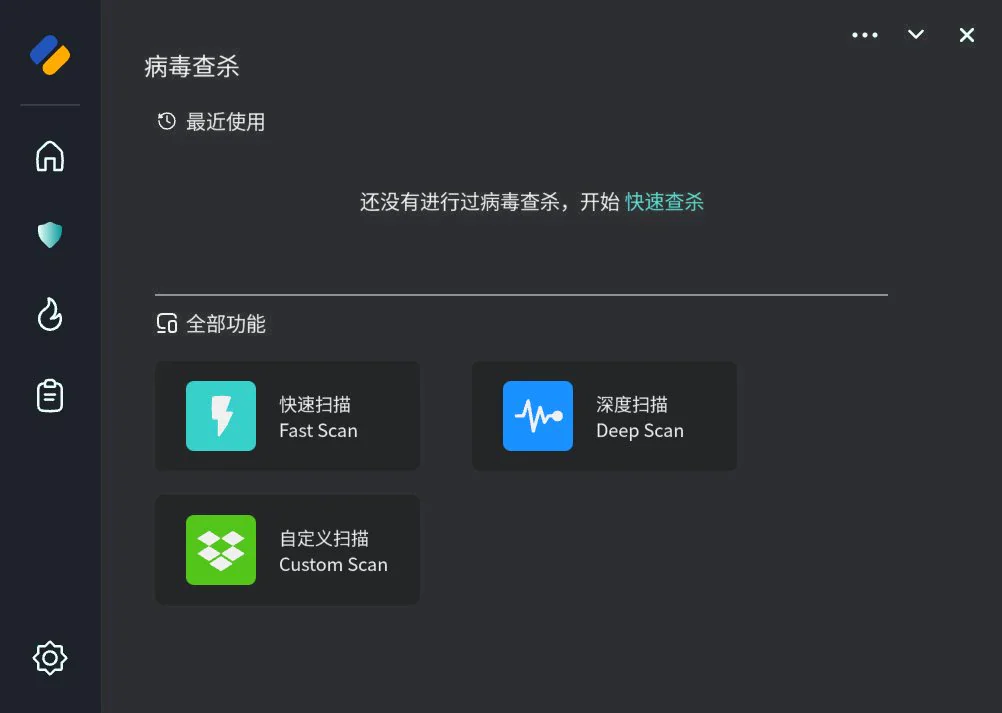 Select a scan mode
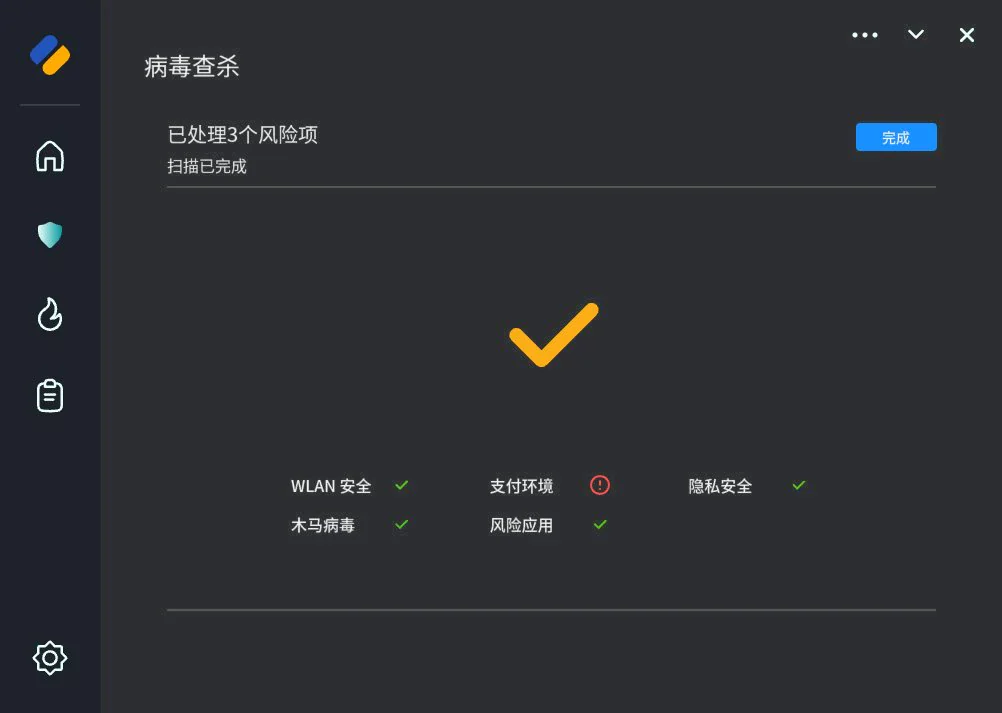
Storage cleanup has its own module, showing space information and suggested items to remove. Users select categories before confirming the operation. It shares the navigation and button styles with scanning, while emphasizing storage amounts and selected items.
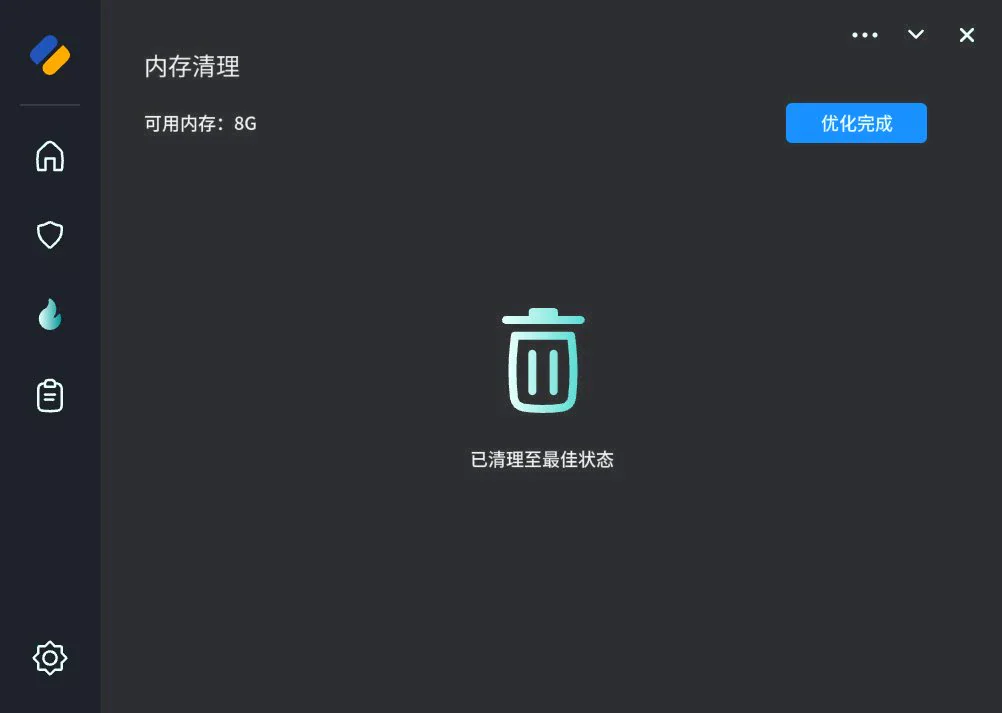
Logs and preferences
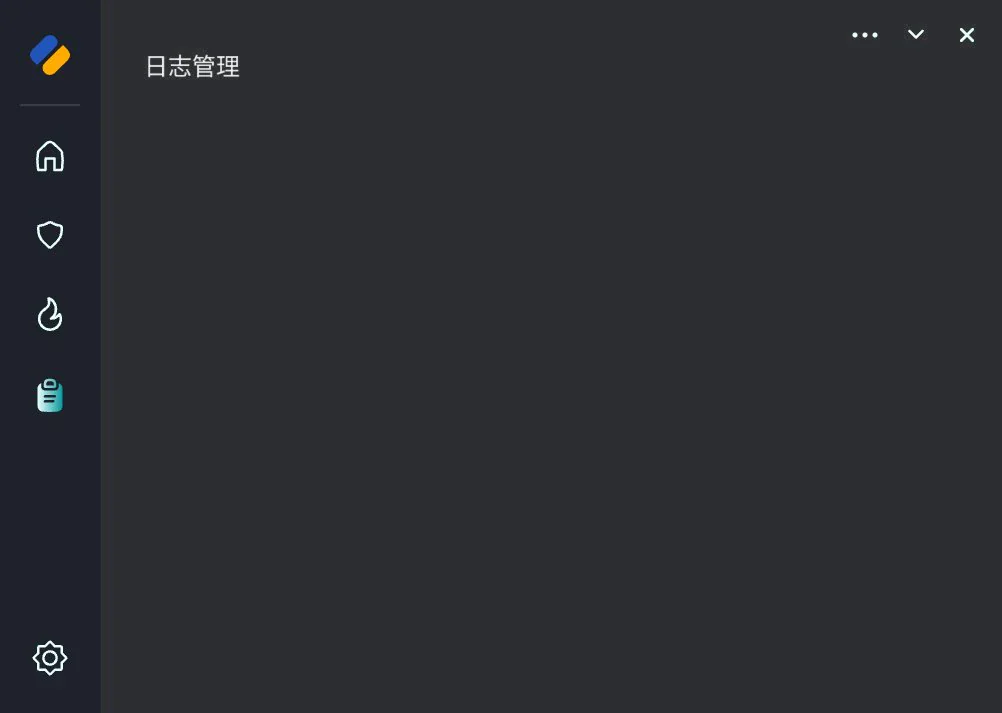
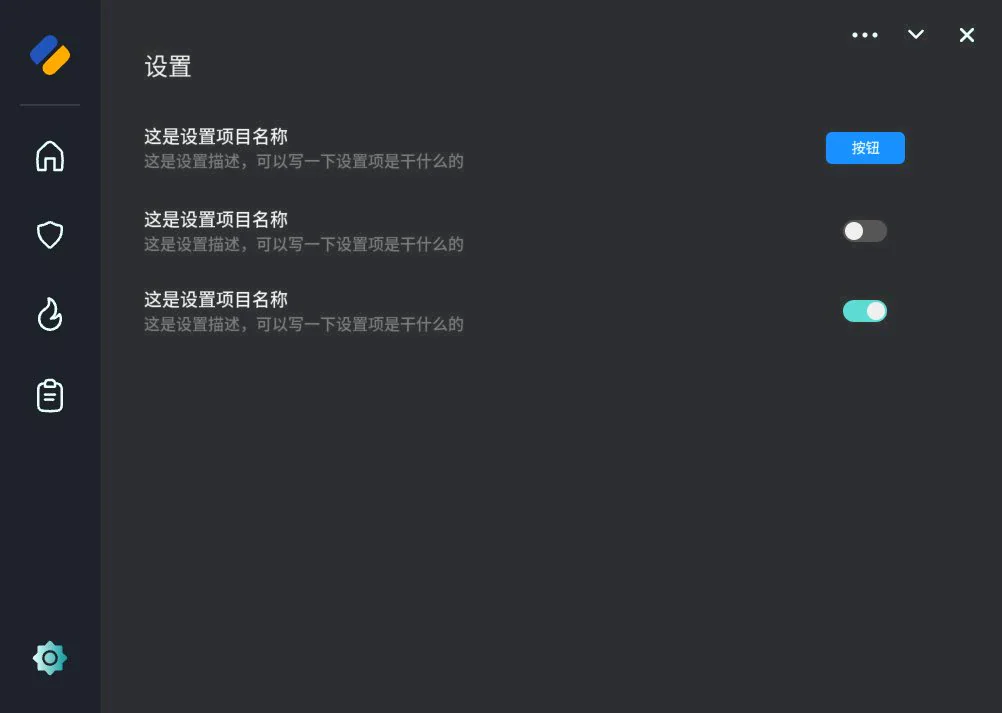
Logs include filtering and export. Update and notification preferences live in a separate settings page, leaving the main task screens focused on the operation in progress.
I referred to security tools such as Huorong for their use of icons, color, and navigation, then simplified the information shown on each screen. Feedback combines text, icons, and color.