
I develop the frontend and calculation logic for financial models in an engineering-consulting product. The starting point is a specialist Excel model: sheets depend on one another, and rules change with project requirements. Alongside the editing interface, I work on calculations, imports, exports, historical data, and handover.
During development of the original domain product, I took responsibility for its frontend and worked on refactoring the MVP for production. The calculation logic was extracted into an independent package, and the interface into shared components.
Keep calculation rules out of table components
I separated data structures, the calculation engine, and the interface. Data represents project inputs and relationships between tables; calculations handle domain rules; the interface provides editing and presentation. A rule change can be traced to its layer instead of adding more formulas to UI components.
I also worked on multi-sheet calculations, Excel import and export, and historical-data compatibility. The table interactions need to follow the business relationships between inputs, dependent results, and summaries, while existing projects remain editable with their saved data.
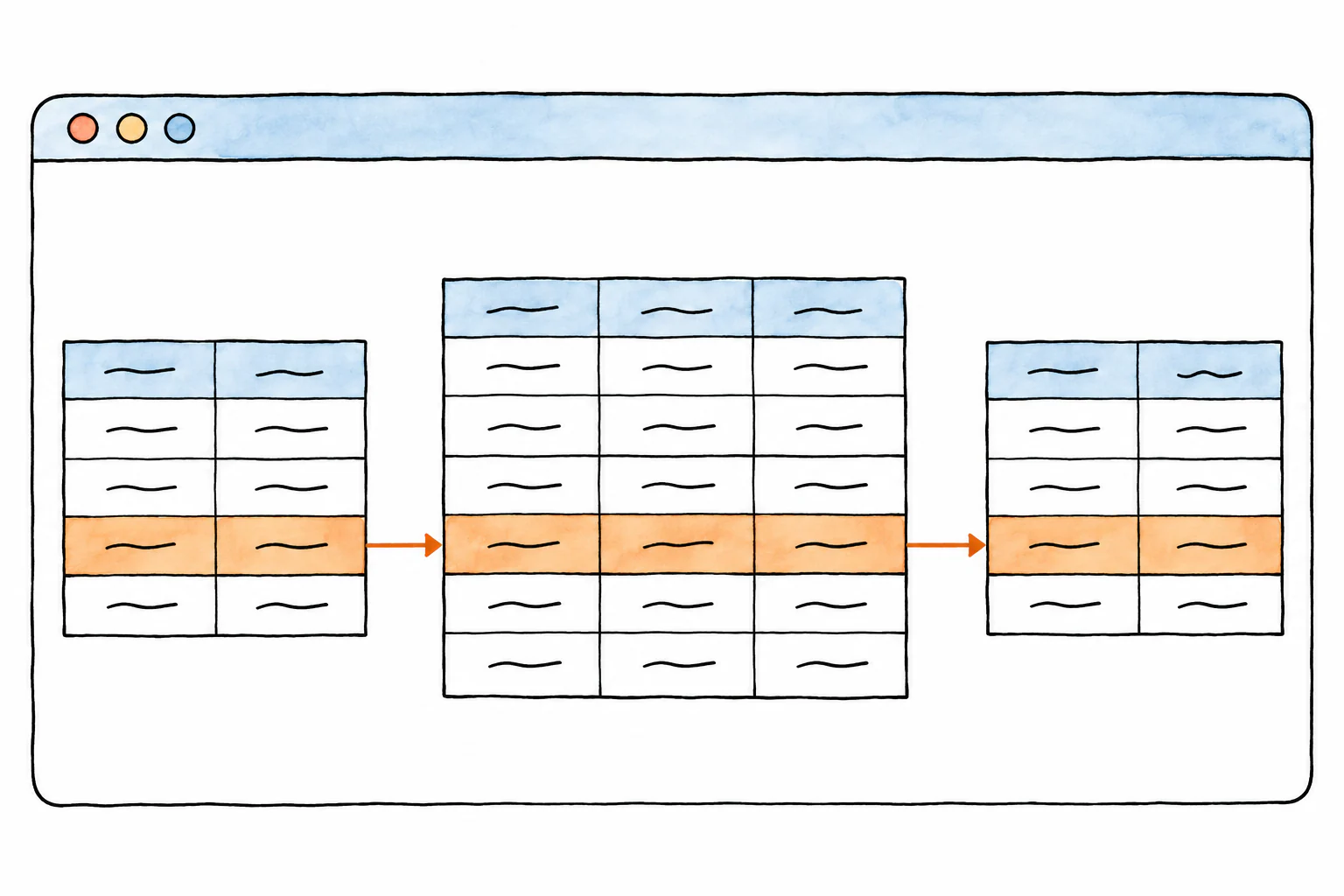 Inputs, dependent results, and summaries stay connected across sheets
Some modules were later handed to colleagues. I documented boundaries and transferred parts of export and fee-module maintenance, while continuing with calculation and shared frontend work.
Use calculations outside the page
To reuse calculations in reports and tool calls, I extracted the domain logic from the application into a package with clear interfaces and boundaries for reading, editing, and calculating a project.
Summaries became structured sections. Reports need concrete data and calculated values; assistants need to understand the current project. Both read the same project data and calculation results instead of separately interpreting visible page text.
The Vue interface was also extracted as a shared UI package, developed and built independently of the calculation package. Different consumers use the same code, so updates have one maintained source.
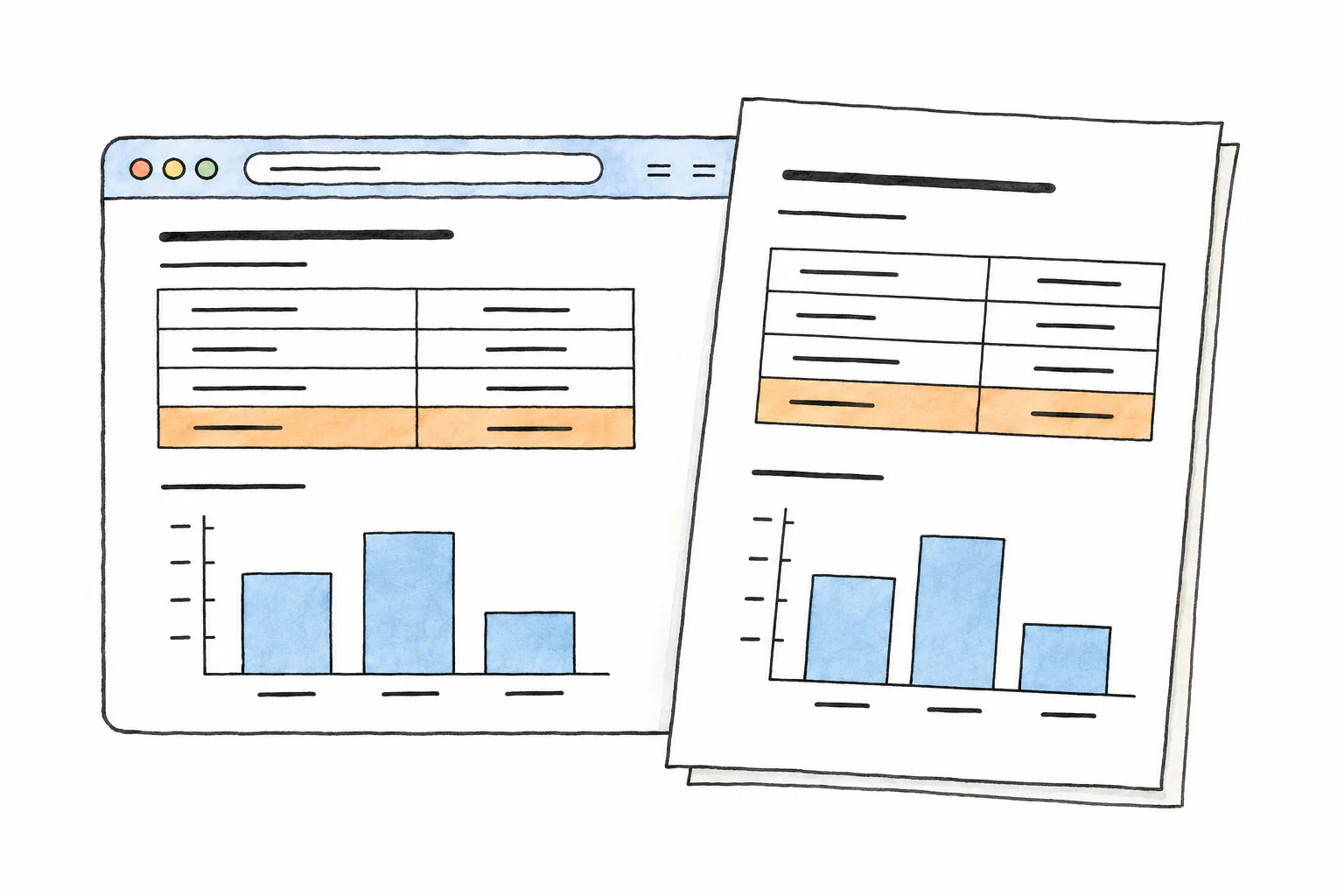 Pages, reports, and tools read the same calculation results
Keep tool edits attached to the right rows
Inserting and deleting rows changes their visible order. Tool calls still need to locate the intended row reliably.
The CLI organizes operations around reading, editing, validation, and recalculation, with common result and diff output. Module adapters handle different table structures. Stable row identities keep an insertion from making later operations target the wrong row. A Skill describes how to combine the operations, and the resulting package was handed over for integration.
The same calculation work extended into consulting quotations. I reused fee calculations and assembled charging rules, tax-inclusive amounts, and calculation traces. The tool identifies missing required inputs before preparing the quotation data. With the inputs present, a template generates a Word document for preview, retaining both the amount and its basis.
Integration with the company’s agent product
I worked with another team within the company to integrate the existing calculations, shared UI, and tool interfaces into their agent product. My focus was adapting domain features and interfaces, and coordinating tool operations with page editing.